“We needed help creating an updated, modern design system and building a new application experience for a business persona to interact with their data in natural language and gain insights relevant to their use case and functional area. We have subsequently engaged them on multiple projects and will look to do so again in the future.”
VP of Product, Stardog
Designing the Entry Experience for a Conversational AI Product
The opening screen of a conversational AI interface carries more design weight than any other screen in the product
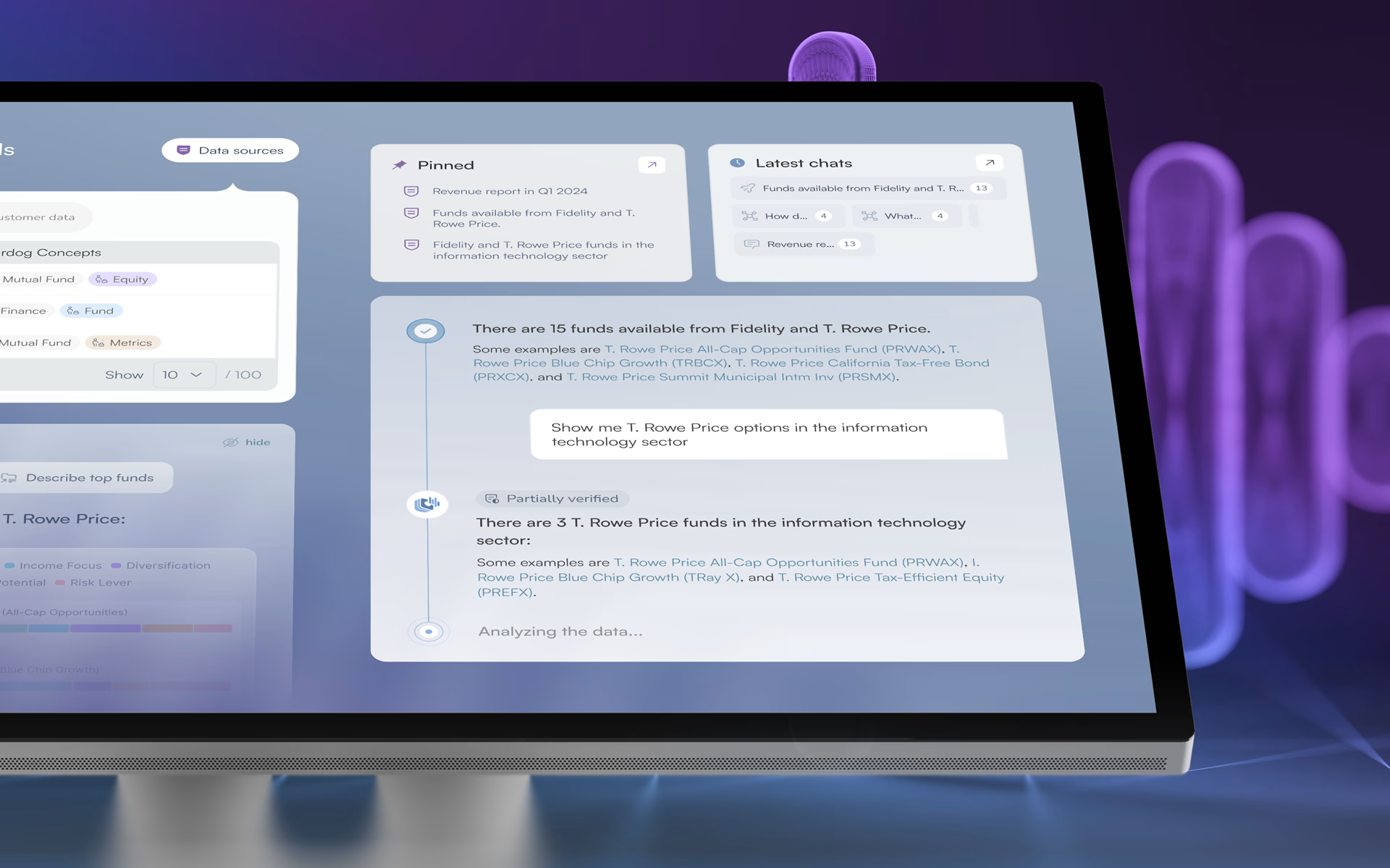
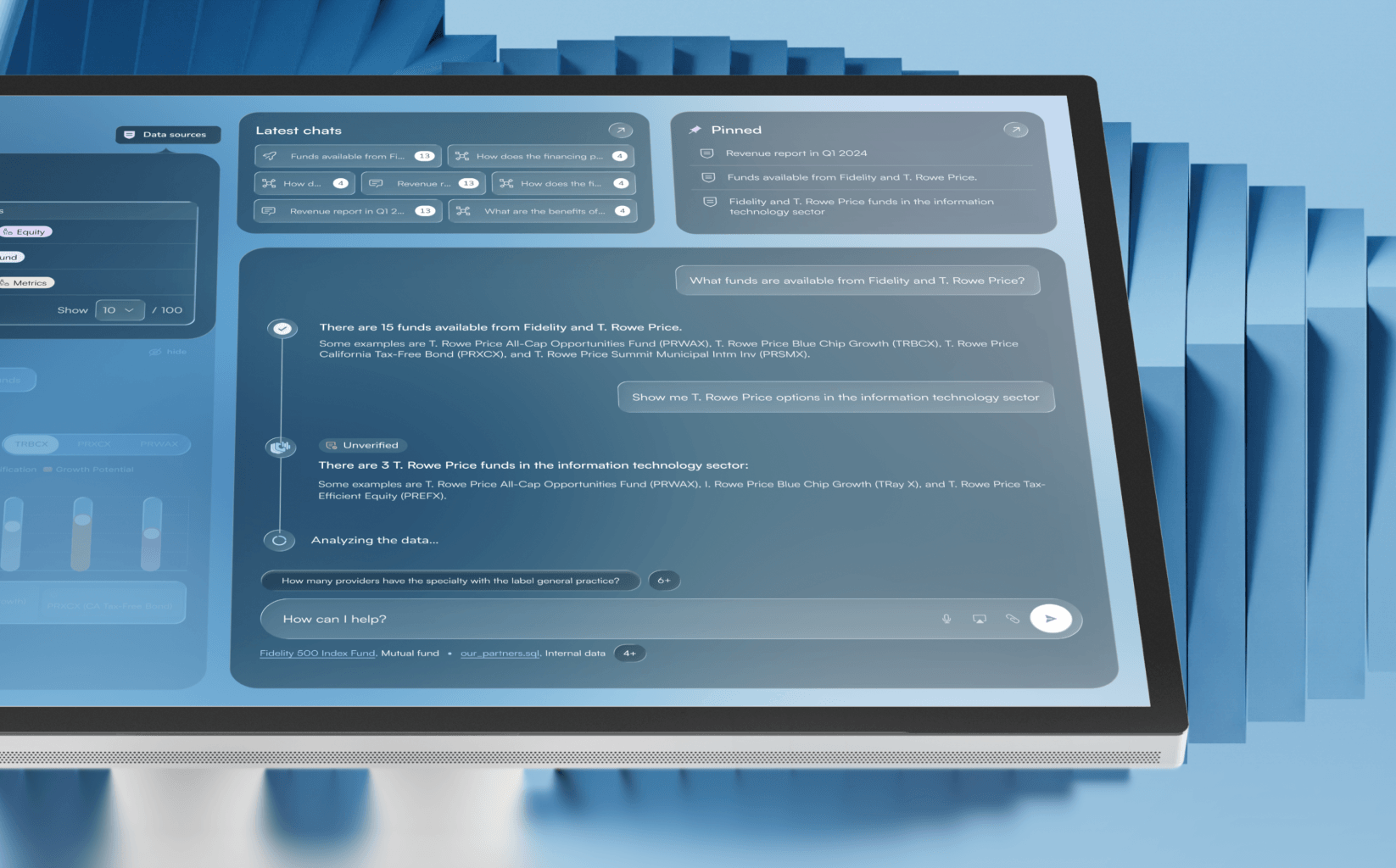
A user who does not immediately understand what the system knows, what they can ask, and how to begin will leave before generating a single insight. This is the cold-start problem, and it is one of the most common failure points in AI product design. Voicebox greets users with dataset context already visible before they type anything. Ready-to-use prompts reduce the hesitation that affects most AI chat interfaces. Pinned resources and recent conversations appear on first load, so returning users re-enter their previous context without additional navigation. Fuselab’s approach to the entry experience follows the same principle that guides all of its dashboard interface design work: the most important action must be obvious the moment a user arrives.
Dual-Panel Workspace: AI Chat and Structured Data in the Same View
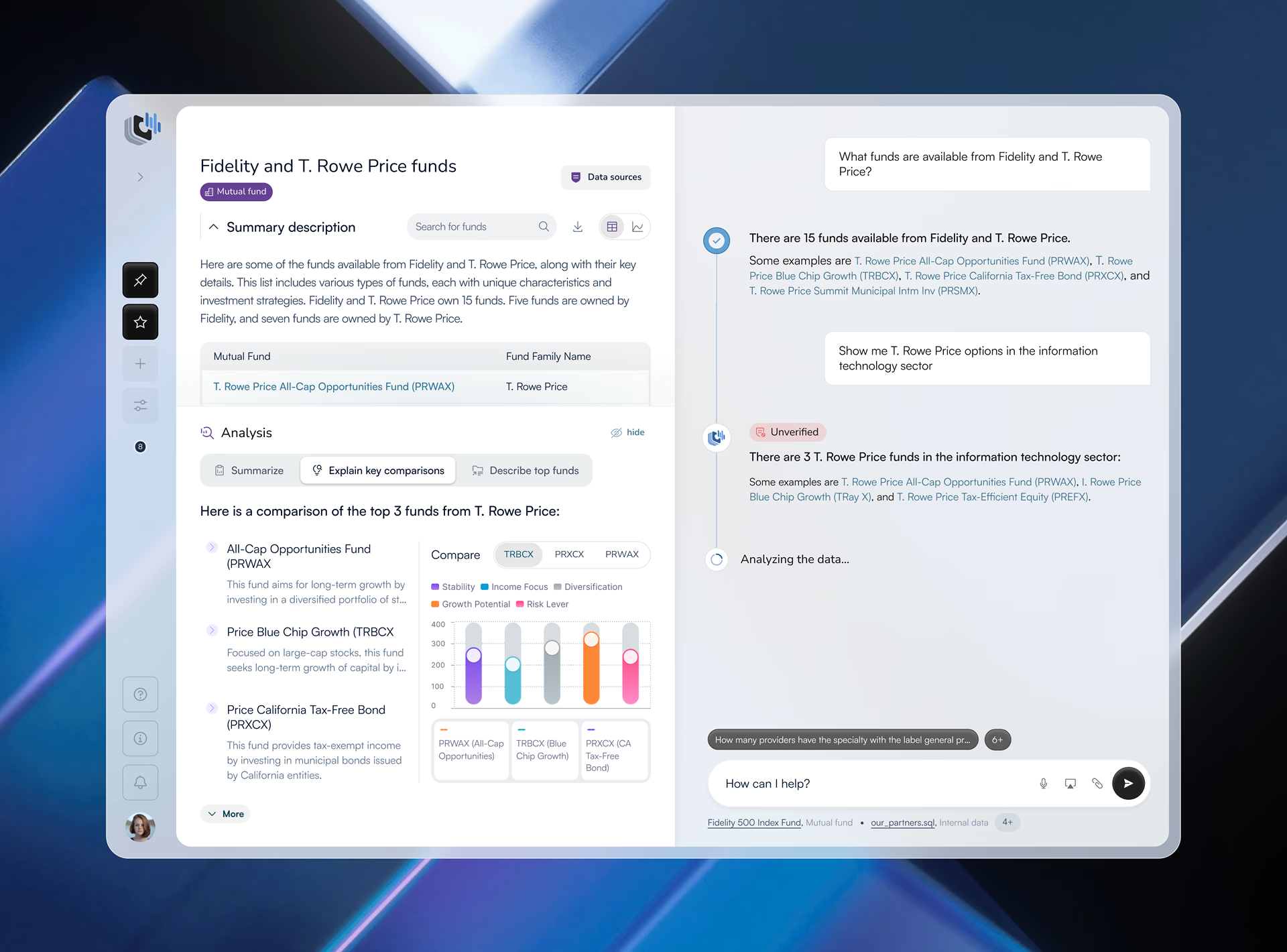
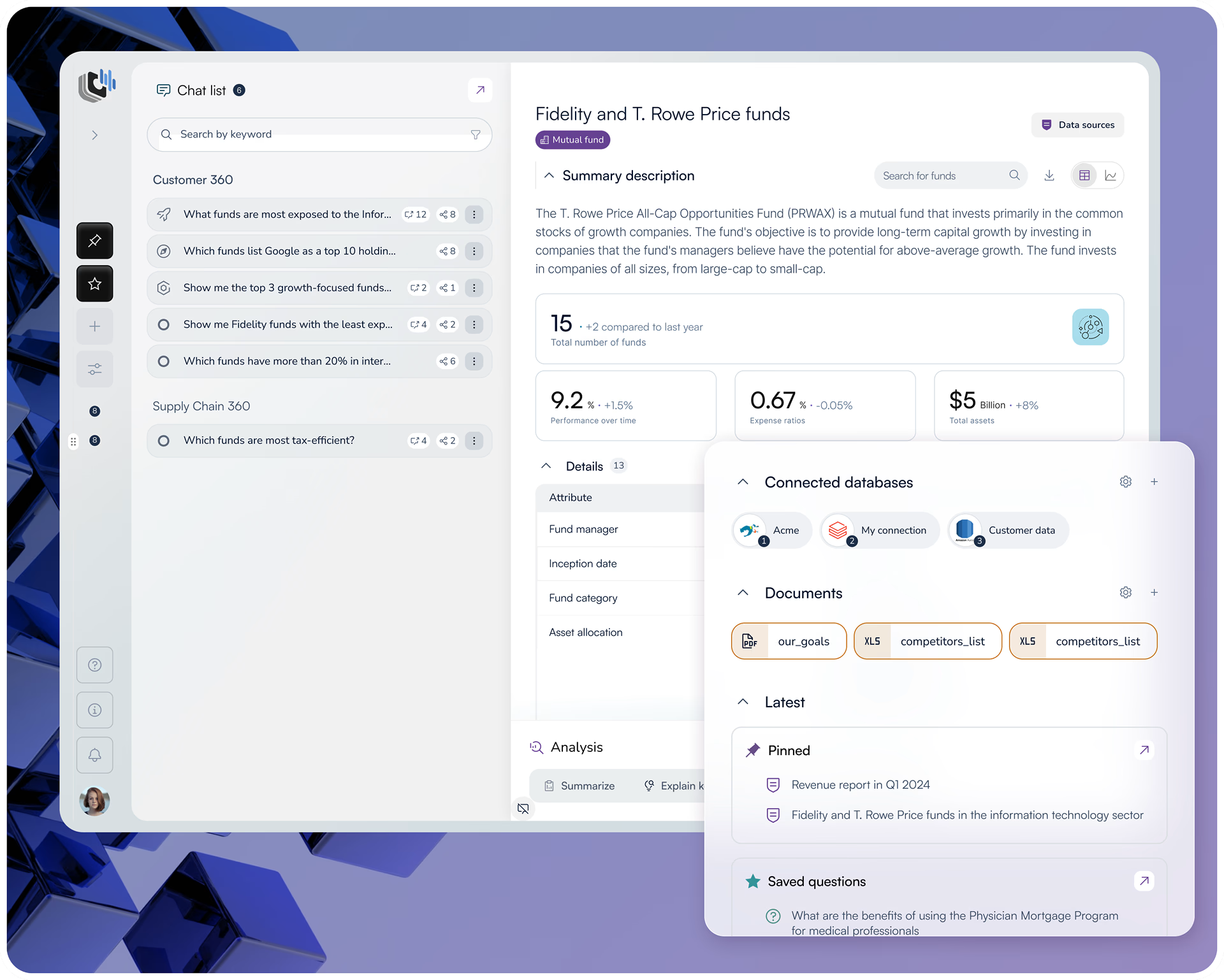
The core interaction model is a split panel: a structured fund data table on one side, a live AI chat interface on the other. Users ask questions in natural language and receive AI-generated responses while the source data remains visible in the same viewport. When a system generates an answer from a language model, the user cannot verify accuracy without checking the underlying data separately. For a financial analyst that verification step is not optional. Putting both in the same view removes it entirely. Each exchange is preserved in a dialogue timeline so analysts can return to previous insights without re-querying.
Radar Charts and Fund Comparison: Translating Abstract Attributes Into Decisions
Voicebox surfaces not just answers but the reasoning behind fund differences. AI-generated summaries explain investment strategies in plain language. Radar charts translate abstract fund attributes such as growth potential, risk exposure, and stability into a normalized visual format where multiple funds can be compared at the same time. Without this layer, a user comparing three funds across five attributes would read a table row by row. With it, the comparison resolves in a single glance. The interface does the interpretive work so the analyst can focus on the decision. This is the distinction between data visualization design and data display: one presents numbers, the other makes the insight inside them immediately visible.
Personal Workspace: KPIs, Pinned Conversations, and Team Collaboration
The profile layer turns individual analysis into a persistent workspace. Dynamic KPIs track research activity over time. Pinned conversations keep high-value insights visible without the user needing to search for them. Team-based panels allow multiple analysts to share findings directly within the interface rather than exporting to email or external documents, which keeps research connected to the source data that generated it.
Full-Screen Visualizations: Portfolio Scale and Allocation in One View
Voicebox provides a full-screen visualization mode combining bar and donut charts to show both aggregate portfolio scale and granular allocation
breakdowns in the same view. Bringing macro and micro perspectives together in one screen removes the context-switching that forces analysts to
hold data in memory while navigating between separate charts. When a user needs to understand both the overall scale and the internal distribution
simultaneously, flipping between two views introduces a memory load that visual design can eliminate.
Conversation Library: Research That Stays Connected to Its Evidence
Individual research conversations are consolidated into structured categories with activity and relevance indicators. Each conversation links out to its associated documents, saved questions, and data sources. Knowledge is not stored in isolation. It remains connected to the evidence that generated it. A single analyst can build months of structured financial research that stays navigable, citable, and shareable with the team. Research that lives in scattered notes or exported files loses its context. Research inside Voicebox stays connected to the data it came from.
From Design System to Measurable Product Outcomes
The previous Voicebox experience was showing user stagnation, midstream drop-off, and general confusion. Users were leaving before they got value from the product. Fuselab redesigned the complete application experience, including a new design system, a restructured workspace, and a new conversational AI interface built around how a business user actually interacts with their data. Since launch, user time spent engaged with the platform increased by 20% and new user conversion rates increased by 27%. If you are building a conversational AI platform or an AI-powered data product where trust and transparency are non-negotiable, see how we approach AI interface design.